www Redirect Checker Tool By Digitalseo
WWW Redirect Checker
Verify proper redirects between www and non-www versions of your website
About WWW Redirects
Proper WWW redirects are crucial for SEO. Google treats www.example.com and example.com as different URLs. You should:
- Choose one version as your preferred domain (www or non-www)
- Set up 301 redirects from the non-preferred version
- Ensure all versions redirect to HTTPS
- Use consistent canonical URLs
- WWW version redirects to non-WWW
- Non-WWW version doesn't redirect
Your site is correctly configured to use the WWW version as canonical:
- Non-WWW version redirects to WWW
- WWW version doesn't redirect
⚠️ Your site has redirect loops between WWW and non-WWW versions.
You should choose one version as canonical and redirect the other to it.
⚠️ Your site has no redirects between WWW and non-WWW versions.
This can cause duplicate content issues. Choose one version as canonical and redirect the other to it.
✅ Your site correctly redirects HTTP to HTTPS.


⚠️ Your site doesn't properly redirect HTTP to HTTPS.
`; } } // Add canonical info if checked if (checkCanonical.checked) { if (canonicalResult.classList.contains('rc-status-success')) { summary += `✅ Your site has proper canonical URL tags.
`; } else if (canonicalResult.classList.contains('rc-status-error')) { summary += `⚠️ Your site has incorrect canonical URL tags.
⚠️ Your site has no canonical URL tags.
`; } } summaryContent.innerHTML = summary; } // Event listeners checkBtn.addEventListener('click', checkRedirects); domainInput.addEventListener('keypress', function(e) { if (e.key === 'Enter') { checkRedirects(); } }); });The www Redirect Checker tool is a tool that informs us about our website that is redirecting from non-www to the www version. Digital SEO Tool’s www Redirect Checker tool is used to check whether a website is correctly redirecting from the non-www version to the www version, or vice versa. www and non-www are the versions of the website that is needed to correctly point out and tell to the server about our adopted versions of the website.
When a website is created, you need to point out its versions also. A new website can be accessed using both versions www and non-www in its domain name. For better understanding, a website with the domain name “digitalseotool.com” can also be accessed using a version like “www.digitalseotool.com”. However, when you planned to keep both versions of the domain name, it can be disturbed and cause many issues with your website’s duplicate content which is a factor and effect on your search engine rankings.
To prevent this issue of duplicate content and pages, website owners can redirect one version of their domain name to the other one like www to non-www. This means that when you type in the browser the non-preferred version of the domain name, the browser is automatically redirected to the new and preferred version of the website.
www Redirect Checker by Digital SEO Tools
We are digital tools provided to all newbies for free to use and rank their websites in search engines to earn online money. Digital SEO Tools www Redirect Checker tool is the project of Nextage Digital Marketing to facilitate its users and clients to use these digital tools for free.
Currently, we are going to introduce a digital SEO TOOLS www Redirect Checker tool to make changes to the current version of the website. www and non-www has very important in your website’s SEO and their structure is also beneficial to follow to make its versions compatible. You will be able to know and handle it by using the end of the digital SEO Tool’s www Redirect Checker tool.
How to Use Digital SEO Tool’s www Redirect Checker
www Redirect Checker tool is very easy to use and offered by Digitalseotool.com. We have made the www Redirect Checker tool in such a way that a newbie who is not so familiar with the www Redirect Checker tool, can use it easily in a convenient way.
Simply, you will have to put your website Url in the www Redirect Checker tool and press the check button. Our www Redirect Checker tool will immediately inform you about your website versions with further details.
www Redirect Checker Tool
The www Redirect Checker tool works by analyzing the HTTP header’s response. Which is returned by the website’s server to determine whether the website is correctly redirecting from the non-www version to the www version and vice versa.
To use the digitalseotool, users simply need to enter the URL of the website that want to check in the input field provided in the tool. The www redirect tool will then send a strong request to the website’s server and analyze the response headers to determine whether the website is redirecting correctly or not.
If the website is redirecting correctly, the www redirect tool will display a message which is indicating that the redirect is working fine as expected. But if the website is not redirecting correctly to the versions, the www redirect tool will display an error message which is indicating the issue in your redirecting coding.
Benefits of digital SEO Tool’s www Redirect Checker tool
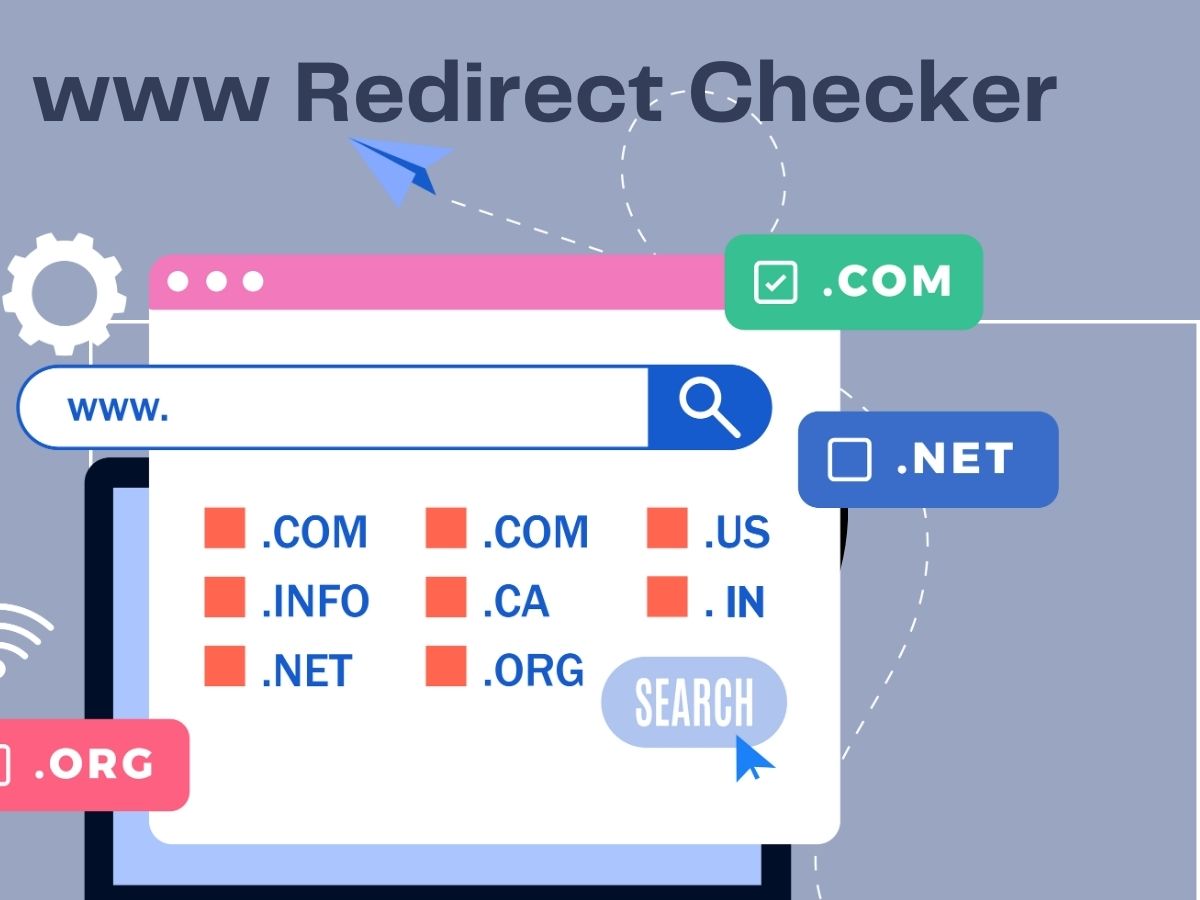
There are several benefits to using the www Redirect Checker tool.
- Firstly, it can help website owners to ensure that their website is accessible using a single, preferred version of the domain name. This can help to avoid issues with duplicate content and improve search engine rankings.
- Secondly, the tool can help website owners to identify issues with their website’s redirect configuration. If the website is not redirecting correctly to the given version of the website, the www redirect tool can provide full information and insights into website issues that need to be addressed and solved by the developers.
- Lastly, the tool can help website owners to ensure that their website is fully optimized for search engines. By ensuring that the website is correctly redirecting from the non-preferred version to the preferred version, website owners can improve their website’s search engine rankings and attract more organic traffic.
- The www Redirect Checker tool is a useful tool for website owners and developers to ensure that their website is correctly redirecting from the non-preferred version to the preferred version. By using the tool, website owners can avoid issues with duplicate content, improve search engine rankings, and attract more organic traffic.
- A www redirect checker tool is a tool used to check if a website is properly redirecting the non-www version of its URL to the www version, or vice versa. This is most important to consider here for the newbies that search engines may consider the non-www and www versions of a URL as two separate pages for SEO purposes, resulting in duplicate content on the website and it is negatively impacting the website’s search engine ranking. In this article, we will discuss the role of www redirect checker tools in website SEO and list some popular tools.
Role of www Redirect Checker Tool in Website SEO
Now, let’s talk about the role of www redirect checker tools in website SEO.
1. Avoid Duplicate Content
If a website has both the non-www and www versions of its URL, search engines may consider them as two separate pages. This can lead to duplicate content issues, which negatively affect the website’s search engine ranking. By using a www redirect checker tool, website owners can ensure that both versions of the URL redirect to one version, avoiding duplicate content.
2. Improve User Experience
Using a www redirect checker tool can also improve the user experience of a website. When a user types in the browser non-www version of a website’s URL, our tool may provide you an error and you can see on the page if the website does not redirect to the www version. This situation can be very confusing and frustrating for the visitor of the website and maybe the big reason to leave the website on the spot and join your competitor’s website. Ensuring that both versions of the website URL redirect to one version only whether www or non-www. In this way, website owners can provide a seamless user experience to all visitors.
3. Improve Search Engine Ranking
Using a www redirect checker tool can also improve the website’s search engine ranking. When search engines consider the non-www and www versions of a URL as two separate pages, it can negatively impact the website’s search engine ranking. By redirecting both versions of the URL to one version, search engines can properly index the website and improve its search engine ranking.
Popular www Redirect Checker Tools
You can find the most popular www redirect checker tools now at the digitalseotool.com website.
1. Redirect Checker Tool by Ahrefs
Ahrefs is a popular SEO tool that provides a redirect checker tool. Ahrefs checks if a website is properly redirecting the non-www version of its URL to the www version and vice versa. The tool is easy to use and provides detailed information about the redirect status.
2. Redirect Checker Tool by Small SEO Tools
Small SEO Tools is a free online tool that provides a redirect checker tool. Small SEO Tools checks if a website is properly redirecting the non-www version of its URL to the www version and vice versa. The tool is easy to use and provides detailed information about the redirect status.
3. Redirect Checker Tool by SEO Site Checkup
SEO Site Checkup is a popular SEO tool that provides a redirect checker tool. SEO Site Checkup checks if a website is properly redirecting the non-www version of its URL to the www version and vice versa. The tool is easy to use and provides detailed information about the redirect status.
4. Redirect Checker Tool by Varvy
Varvy is a free online tool that provides a redirect checker tool. Varvy checks if a website is properly redirecting the non-www version of its URL to the www version and vice versa. The tool is easy to use and provides detailed information about the redirect status.
5. Redirect Path by Ayima
Redirect Path by Ayima is a free Google Chrome extension that provides a redirect checker tool. Ayima checks if a website is properly redirecting the non-www version of its URL to the www version and vice versa. The tool is easy to use and provides detailed information about the redirect status.
Conclusion
Using a www redirect checker tool is important for website SEO. Any version on your website can help to avoid duplicate content to create. This will not only improve the user experience but also improve the website’s search engine ranking. There are several popular www redirect checker tools available, each with its own features and capabilities. When using a www redirect checker tool, website owners should ensure that both versions of the URL redirect to one version to avoid any duplicate content issues and provide a seamless user experience.
By following best practices and using the right tools, Website owners should be insured that their website is properly redirecting the non-www version of the website URL to the www version and vice versa.
In conclusion, the role of www redirect checker tools in website SEO is crucial. There are several popular www redirect checker tools available online for free, each with its own features and capabilities. By using a www redirect checker tool, website owners can ensure that their website is properly redirecting the non-www version of the website’s URL to the www version and vice versa.
You may join us on Our Social Media Accounts:
- Join us on Facebook page:
- Join us on Pinterest Page:
- Join Us on Instagram Page:
- Join Us on Youtube Channel
You may also like to read out our updates:
What is the best page size for SEO? strategies, techniques and tips
What are the three types of search engine optimization techniques?
Image Optimization: What is the best image quality for a website?